
Huntington VINE Arrest Coverage
The Huntington County Sheriff points visitors straight to Indiana VINE under site ID 15000. That county-specific link signals real sheriff support for the service. Indiana's official SAVIN material covers all 92 counties. Anyone can register free to track a placement, release, or transfer. VINE never closes. It works online and by phone around the clock. The state FAQ lists 1-866-891-0330 and indianasavin.in.gov. Older Indiana documents list a different call-center number, so trust whichever number the live state interface shows if the two conflict. The county-linked VINE page documents Huntington's official route.

The interface serves status and notification purposes, not a public Huntington County roster or photo feed.
Check a Huntington Arrest
Search for one person at a time. Use the closest spelling you know. When several people match, compare age, identifier, facility, and status before opening or registering on any arrest record.
- Open the Indiana VINE state interface and select Indiana if prompted.
- Enter a full or partial name. Use an offender or booking identifier when one is available.
- Choose Huntington County or the county-jail agency when the interface offers an agency filter.
- Review possible matches and compare the displayed identity and facility details.
- Open the correct record to read the current custody status and available change information.
Partial names help with spelling. They also raise false matches. A missing entry can stem from intake lag, quick release, transfer, data entry, withheld details, or a different custody system, not from the absence of an arrest.
Huntington VINE Search Screen
VINELink loads a live application, so the Indiana interface can change. Read the controls as they appear. Labels may shift between sessions. VINE answers status questions. It will not reproduce the sheriff's full booking file or every fact from a court case, as the Indiana VINE search screen shows.
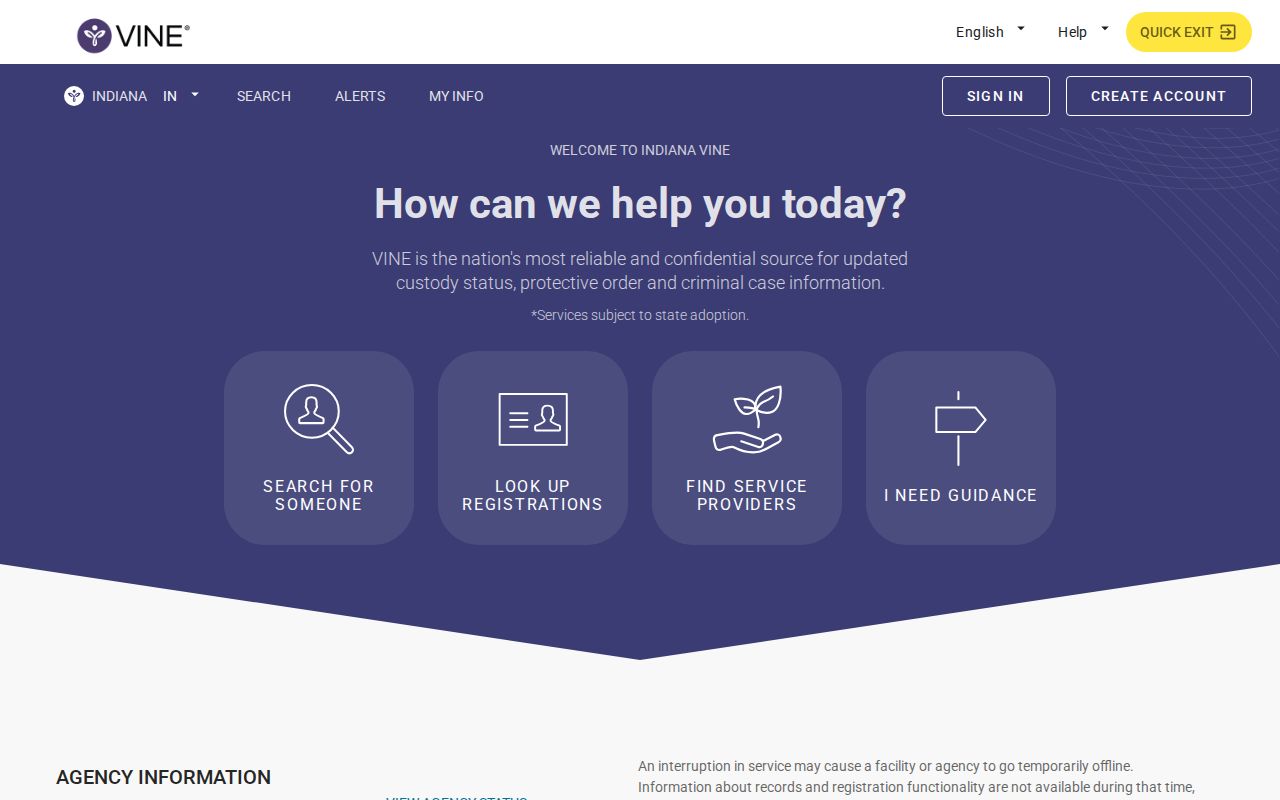
This screen locates one person. It shows no gallery of booking photographs. When several results appear, compare county, facility, age or birth details, and identifier. If doubt remains, call the Huntington County Jail at (260) 356-3110.
Huntington VINE Result Fields
A VINE result speaks to custody and notification. Exact fields vary, and none can be promised if the live interface does not display it.
| Result item | What it can answer | What it cannot prove |
|---|---|---|
| Name or identifier | Which custody record may match | Identity without cross-checking |
| Custody status | Reported placement or status | Guilt or court outcome |
| Facility or agency | Where the record is associated | Every prior booking |
| Release information | A reported release change | End of the court case |
| Transfer information | A reported move in custody | Federal or immigration placement |
| Notification option | Whether alerts may be registered | Guaranteed delivery |
Booking means jail intake after an arrest. Transfer means custody moved to another agency or site. Release means the person left that custody setting, though the arrest record stays and the charge still stands. Disposition is the court result, which lives in MyCase or clerk records.
Register Huntington Custody Alerts
Once the correct record is open, choose the registration or notification option. Indiana makes registration free and confidential. No registrant list reaches the person in custody. Keep contact details current, because an old number or blocked email can stop an alert from arriving.
- Select the matching custody record and choose notification or registration.
- Choose the available events, such as release, transfer, placement, or another status change.
- Enter the requested telephone number or email address.
- Create or receive the PIN or confirmation method shown by VINE.
- Save the confirmation and update the contact channel if it changes.
Phone, text, and email options may differ, so follow the live prompt. Never lean on one alert for safety. Emergencies go to 911. For a disputed status, contact the jail or the responsible agency.
Indiana SAVIN Alert Nuance
Huntington sits in an unusual spot. The county publishes no official web arrest roster. It is also absent from the current INjail participating-county endpoint. Yet the sheriff hands out a county-specific VINE link, and the state says SAVIN covers every Indiana county. That makes VINE the verified web status path. It is not a booking feed, though, and the Indiana SAVIN FAQ lays out free statewide registration and the official contact route.
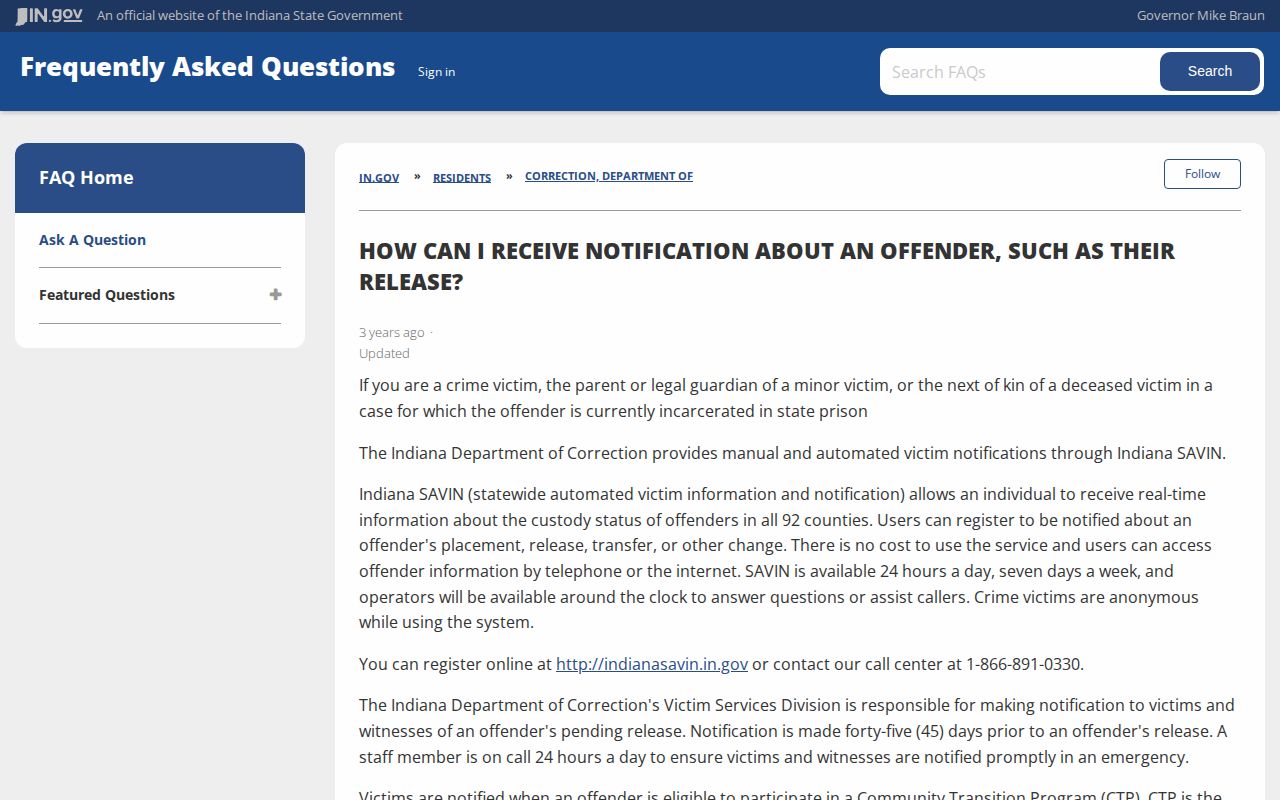
Statewide reach is the point. The state source backs the notification process. It promises no instant booking data.
Note: Status systems depend on agency data and working contact details, so a missed alert never proves that custody did not change.
Fresh Huntington Arrest Delays
The Huntington County Jail handles booking. The county posts no intake timestamp, roster refresh rate, or VINE posting delay. A person can sit at the facility while identity and charge data are still processed. Some are released or transferred before anyone checks.
For same-day answers, the Huntington Arrested Today route sets out the official fallback. Past bookings need a different step. Ask the sheriff or city police for the record. A sheriff history check in Huntington covers arrest and booking information but stops short of prosecutor decisions or trial outcomes.
VINE Custody System Boundaries
Custody in Huntington County is only one slice of a bigger picture. County jail, state prison, federal custody, immigration detention, and court cases are separate worlds. Each runs on its own track. VINE tracks county and state status that gets reported to Indiana's service. That is its limit. People committed to state custody do not appear there. They show up in the Indiana Department of Correction offender locator instead. Neither tool is a list of recent Huntington arrests.
Federal prisoners belong to the Bureau of Prisons locator. That system offers no public mugshot gallery. Immigration detention means the ICE detainee locator or DHS-VINE. So a missing Indiana VINE result settles nothing at the federal level. MyCase adds its own twist. A filed Huntington case can appear there even after the person has left the jail.
VINE also falls short as a criminal history. It may skip a booking photograph, charge history, full docket, or the moment of intake. For the arrest record itself, go to the sheriff or the arresting agency. For hearings, orders, and disposition, Indiana MyCase and the Huntington County clerk hold the answers.
Huntington Arrests Stay Allegations
Match the tool to the question you are asking. Call the jail for current county custody. VINE handles reported status and change alerts. Agency records answer questions about a past arrest. MyCase shows where the court case stands. Confirm identity before you register for alerts. Verify a name, birthdate, or booking number first, since a shared name can send you down the wrong path entirely.
Someone can drop out of a current-custody view. The arrest record and the court case can both live on. A move to state prison shifts the search to the IDOC locator. VINE is one status channel. It covers one point in the process. It is not the full life cycle of a case.
Public Record Search
Sponsored Results